


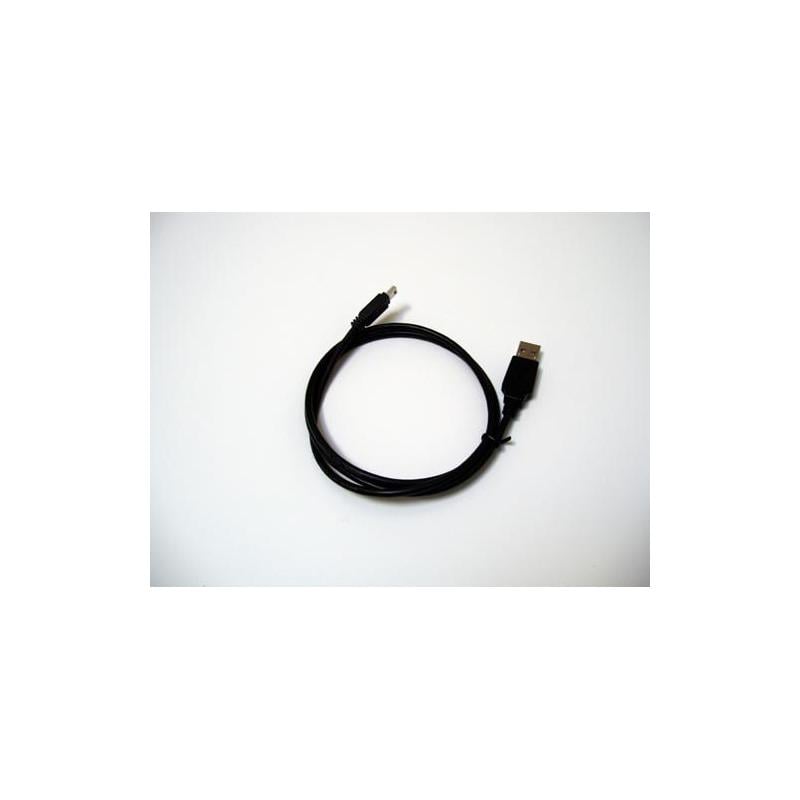
iOptron USB cable: USB cable for computer control
With this USB cable, you connect an iOptron SmartStar A-, E- or PR-mount to the computer. This allows you to run firmware updates and control the mount from your desk, outside the telescope's operating range.
Also useful as a spare cable for iOptron devices with USB connection.
Remote and safe
Because the computer is remote, cables and the observer remain outside the range of the tube’s movement; operation is entirely via the screen.
Included
- USB cable
Featured accessories
For manual operations with a serial port, the USB to RS232 adapter is the right connection.
For whom yes and for whom no
- ✓ SmartStar owners and anyone looking for an iOptron USB backup cable
- ✗ Equipment with a serial port only: use the RS232 solution instead
Specifications
| Type | USB cable |
| Observation goals | Control and firmware updates |
| Suitable for | iOptron SmartStar A, E and PR |
You can find more mounts and accessories for this brand at the iOptron brand page.

Reviews
There are no reviews yet.